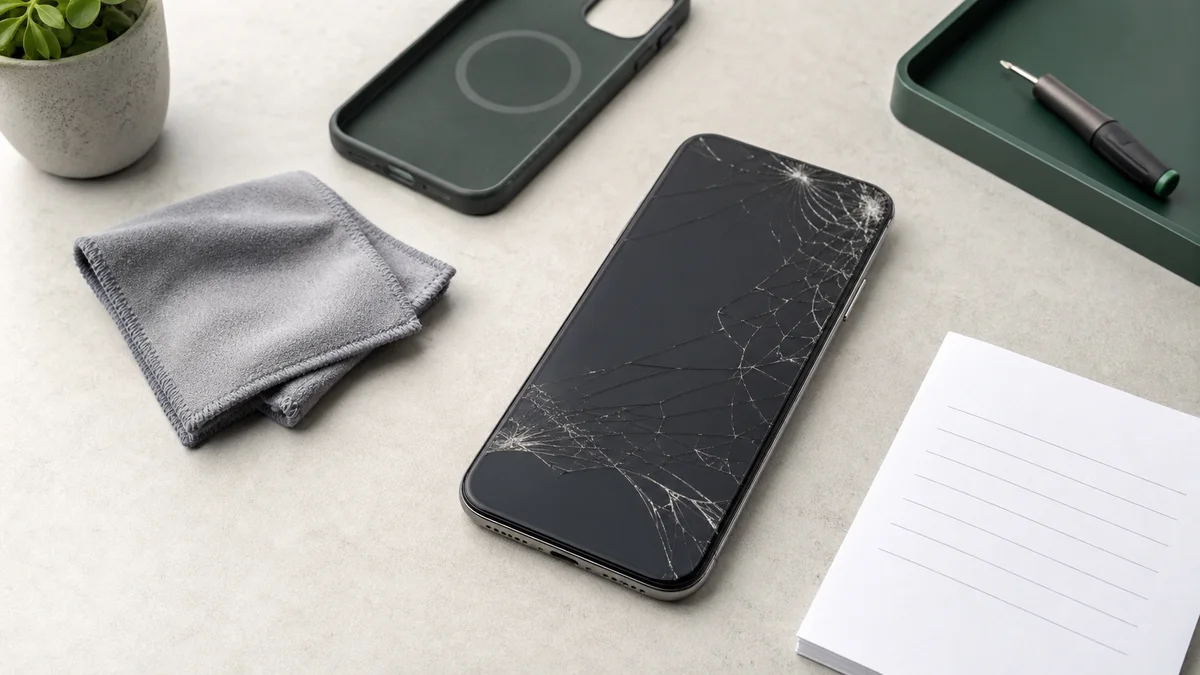
A fall from the sofa, a hard edge in a bag or one unlucky moment on the pavement can leave an iPhone screen visibly damaged. Yet not every visible crack is the same technical fault. Sometimes only the front glass is cracked; sometimes black spots, coloured lines, flickering or unwanted touch input show that the LCD or OLED panel is also damaged. These symptoms determine how urgently you should act and what you can still do safely before repair.
This guide helps you assess the symptoms, protect your data where possible and choose between an Apple genuine part and Premium Soft OLED. It deliberately does not explain how to open the iPhone. The screen, sensors, seals and battery sit close together, and incorrect handling can cause further damage.
The short answer: what to do now
- Do not press or bend the screen. Extra pressure can enlarge cracks and OLED damage.
- Switch it off if it is hot, swollen or smells chemical. This may indicate battery damage rather than a screen-only fault.
- Do not charge after liquid contact. Let the device dry with airflow; do not use heat, compressed air or rice.
- Make a backup if the phone remains stable to use. Use iCloud, a Mac or a Windows PC.
- Compare the model and screen quality. The current iPhone screen repair price table lists available models from newest to oldest.
Is only the glass cracked, or is the full display damaged?
In everyday language, “screen” often means the complete visible front. Technically it consists of front glass, a touch-sensitive layer, LCD or OLED pixels and nearby sensors. An external inspection cannot always separate the layers conclusively, but the symptoms provide useful guidance.
| Symptom | Likely meaning | Sensible next step |
|---|---|---|
| Cracks, but image and touch work normally | The front glass is damaged; the panel underneath may still work. | Make a backup, avoid pressure and moisture, and plan the repair. |
| Green, white or purple lines | The LCD/OLED layer or its control may be damaged. | Back up promptly and have the screen inspected. |
| Black spots that spread | Broken pixels or panel damage; pressure may enlarge the area. | Do not press the spot and arrange repair soon. |
| Flickering or uneven brightness | The panel, connector or control electronics may be affected. | Keep the device stable, back it up and request diagnostics. |
| Ghost touch or incorrect input | The touch layer registers input without being touched. | Lock or switch off the phone to prevent unwanted codes or messages. |
| Screen lifts away from the frame | The frame, adhesive or possibly the battery may be affected. | Do not push it back or continue charging; have it checked immediately. |
A working image does not automatically make a crack harmless. Cracks weaken the surface, can create sharp edges and make moisture ingress easier. Conversely, a black screen does not necessarily mean that data has been lost: the iPhone may still be running while the display has failed.
Seven immediate steps after screen damage
1. Put the iPhone down safely and keep it dry
Place it on a stable, dry surface. Do not keep it in a tight pocket or bag where pressure can worsen the damage.
2. Protect yourself from splinters
Do not run a finger across broken glass. A properly fitting case may protect the edges temporarily, but do not press a lifting screen into the frame.
3. Stop ghost touch
Uncontrolled input can enter the passcode incorrectly, call contacts or change settings. Lock or switch off the iPhone when this occurs.
4. Treat heat or swelling as a battery warning
If the device is unusually hot or the screen lifts, stop charging and do not compress it. A damaged or swollen battery requires professional assessment.
5. Do not charge after liquid contact
Disconnect cables and accessories. Apple advises against external heat, compressed air or rice. Leave the iPhone in a dry area with airflow and follow Apple’s liquid-detection guidance.
6. Document the damage
Photograph the front, back and frame with another device, particularly for an insurance case. Note whether the camera, Face ID, speakers, microphones, charging and mobile connection worked before the incident.
7. Identify the exact model
If the phone is usable, check Settings → General → About. Packaging, the purchase receipt or the device list in your Apple Account can also help. The exact variant matters because screen sizes and parts differ within one generation.
Back up before screen repair – but only when safe
A screen-only repair does not normally intentionally erase personal data. A current backup is still sensible because existing damage can worsen and diagnostics may reveal other faults.
If touch and image still work
- Connect to Wi-Fi and select Settings → [name] → iCloud → iCloud Backup → Back Up Now.
- Alternatively create an encrypted backup with Finder on a Mac or Apple Devices on Windows.
- Check the date and time of the last successful backup.
- Keep your Apple Account access and device passcode available, but never write them in the package or repair notes.
Apple explains both methods in How to back up iPhone.
If the screen remains black or makes uncontrolled inputs, do not repeatedly unlock it to force a backup. A computer may need confirmation on the iPhone; first ask how the display can be made usable safely.
Why DIY screen repair is rarely a good first attempt
Short videos can make a screen replacement look linear. In practice, models differ in adhesive, opening direction, cable position and calibration. A tool inserted too far can damage cables, sensors or the battery. Incorrect screws, covers or seals can cause follow-on damage. A bent frame, liquid contact, previous repair or lifting display should be diagnosed before a part is replaced.
Apple genuine part or Premium Soft OLED?
repairNstore offers two clearly separated options where available. “Premium” does not mean “Apple genuine”; it remains a high-quality third-party replacement screen.
| Criterion | Apple genuine part | Premium Soft OLED |
|---|---|---|
| Origin | Genuine Apple part available through the Independent Repair Provider process. | High-quality replacement screen from repairNstore’s certified suppliers. |
| Technology | Model-specific Apple display technology and calibration. | Flexible Soft OLED technology on the models for which it is offered. |
| display and touch | Designed to Apple specifications for brightness, colour, Multi-Touch and system functions. | Designed for very good colour, brightness and touch response; characteristics may differ from the original. |
| Parts & Service History | On supported models, “Genuine” can appear after the process is completed correctly. | Depending on the model and iOS, the screen may be shown as “Unknown” or not as a genuine part. |
| Price | Usually higher. | Usually more affordable. |
repairNstore operates as an Apple Independent Repair Provider (IRP). This is not the same as an Apple Authorized Service Provider. According to Apple, IRPs have access to genuine parts, tools, training, diagnostics and resources. An IRP repair is not automatically covered by Apple’s warranty or AppleCare, although the provider may offer its own repair warranty.
How much does iPhone screen repair cost?
A single blanket figure would be misleading. The price depends on:
- Model and generation: size, panel type and component differ across standard, Plus, Pro, Pro Max, Mini, Air and SE models.
- Quality choice: Apple genuine parts and Premium Soft OLED use different purchasing and service processes.
- Additional damage: a bent frame, liquid, damaged sensors or a lifting battery are not automatically included in a screen-only replacement.
- Availability: not every quality option is available for every older or newer model.
The central iPhone screen repair price list reads models and current prices directly from the ERP and sorts them from newest to oldest.
Compare all iPhone screen prices for Apple genuine parts and Premium Soft OLED.
How does a professional screen repair work?
- Record the model and symptoms.
- Inspect the frame, screen, touch, cameras and accessible functions.
- Open the device correctly and install the selected screen.
- Complete the required finishing and calibration steps.
- Test the image, brightness, touch, proximity sensor and earpiece.
- Return the device in store or by mail with digital status tracking.
Checklist after screen replacement
- Change brightness across the full range.
- Use a light background to look for spots or uneven illumination.
- Open the keyboard and test touch along every edge.
- Make a call and test the proximity sensor and earpiece.
- Test the front camera and Face ID or Touch ID.
- On supported models, review Parts & Service History under Settings → General → About.
In store or by mail across Switzerland
City pages automatically show whether an active repairNstore location is present. If no ERP location exists nearby, the device can be shipped both ways free of charge within Switzerland.
- iPhone screen repair Zurich
- iPhone screen repair Bern
- iPhone screen repair Basel
- iPhone screen repair Lausanne
Is the repair still worthwhile?
A replacement is often sensible when the iPhone still meets your needs, receives software updates and has a sound battery and housing. If the frame, rear glass, camera, Face ID, charging system or battery is also damaged, compare the full repair total with the realistic device value and intended period of use. A responsible decision can also be to request diagnostics first.
Sources and further information
- Apple Support: About genuine iPhone displays
- Apple Support: iPhone Parts and Service History
- Apple Support: Back up iPhone
Is your iPhone screen damaged?
Compare the model, quality option and current price first. Then choose calmly between in-store drop-off and free mail-in service.
Frequently asked questions
What should I do immediately after iPhone screen damage?
Avoid pressure and moisture, check for heat or swelling and make a backup if the image and touch response remain stable. Switch off the iPhone if input is uncontrolled, liquid is involved or the display is lifting.
How much does an iPhone screen repair cost?
The price depends on the model, generation, screen quality and any additional damage. The repairNstore price table reads current Apple genuine part and Premium Soft OLED prices directly from the ERP.
What is the difference between an Apple genuine part and Premium Soft OLED?
The Apple genuine part follows Apple specifications and the relevant original-part process. Premium Soft OLED is a high-quality, usually more affordable third-party option from certified suppliers.
Will my data remain during screen replacement?
A screen-only replacement does not normally intentionally erase personal data. A current backup is still recommended because previous or additional faults may become visible during diagnostics.